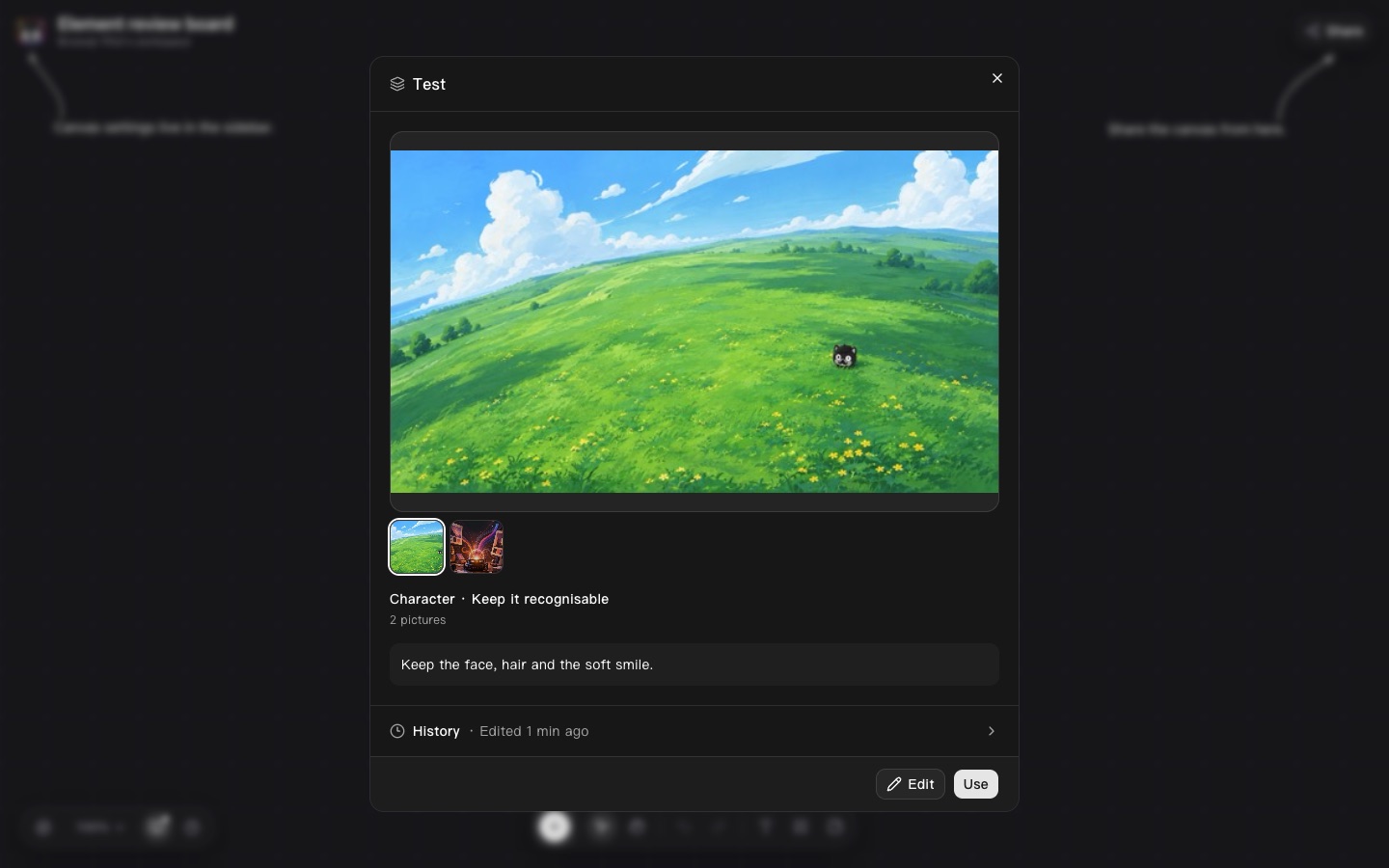
1.Opening and editing an Element
Pick oneAssets page and a board's library
What happens when you click an Element: today it opens the image viewer. Six ways side by side; D is clickable.
GAV-292 · prototype site · fake data
The ticket asks for three things: edit an Element from the app, stop showing v1/v2 where it means nothing, and give a prompt-only Element a proper face. These are all the places that touches. Pages marked clickable are working mocks; the rest are screenshots from the test harness. Nothing here talks to the real app.
Assets page and a board's library
What happens when you click an Element: today it opens the image viewer. Six ways side by side; D is clickable.
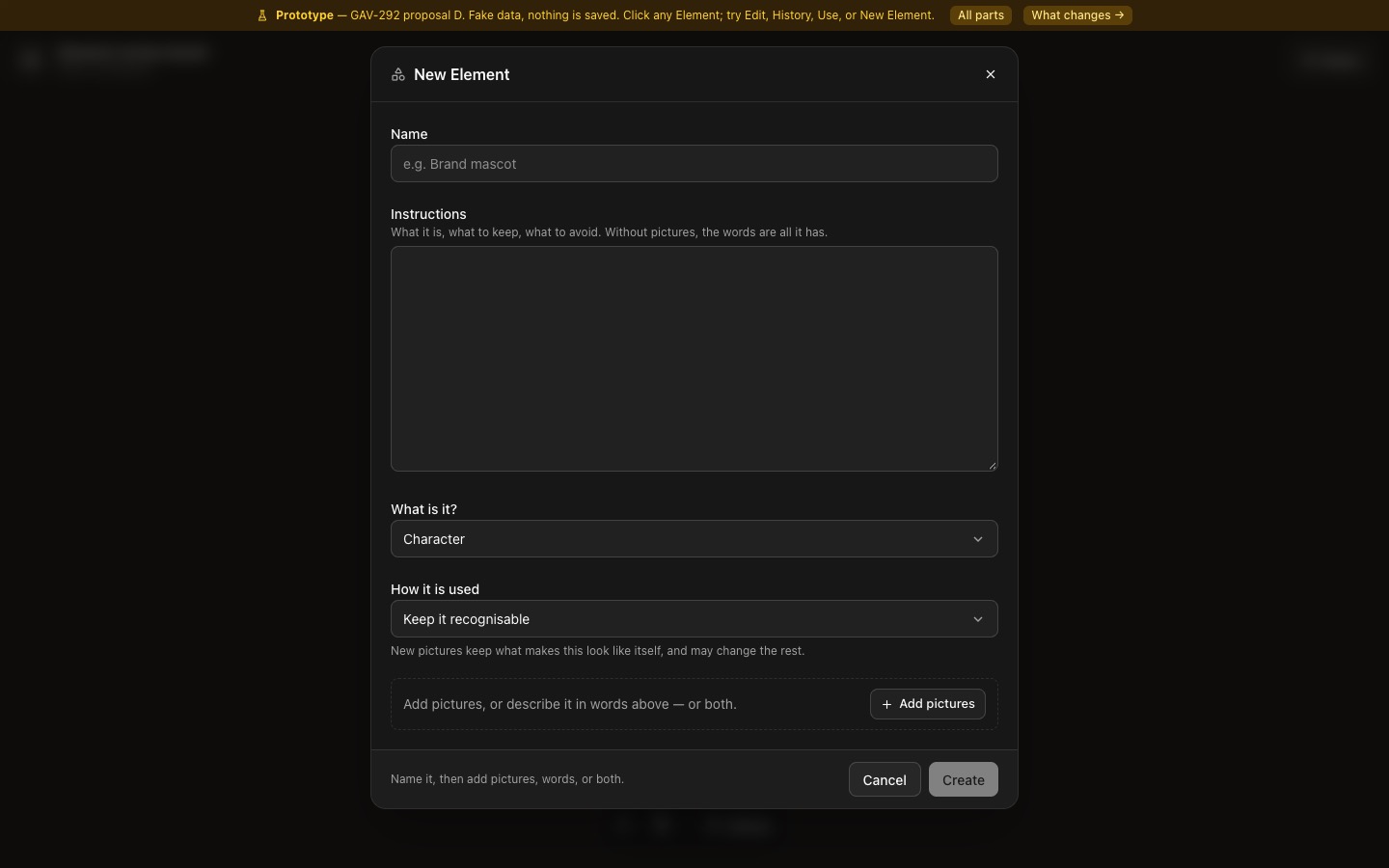
New Element button, Assets page and board library
The same dialog opens on its form, titled New Element; Create is off until it has a name and pictures or words; Cancel with typing asks first; after Create you land on the Element.
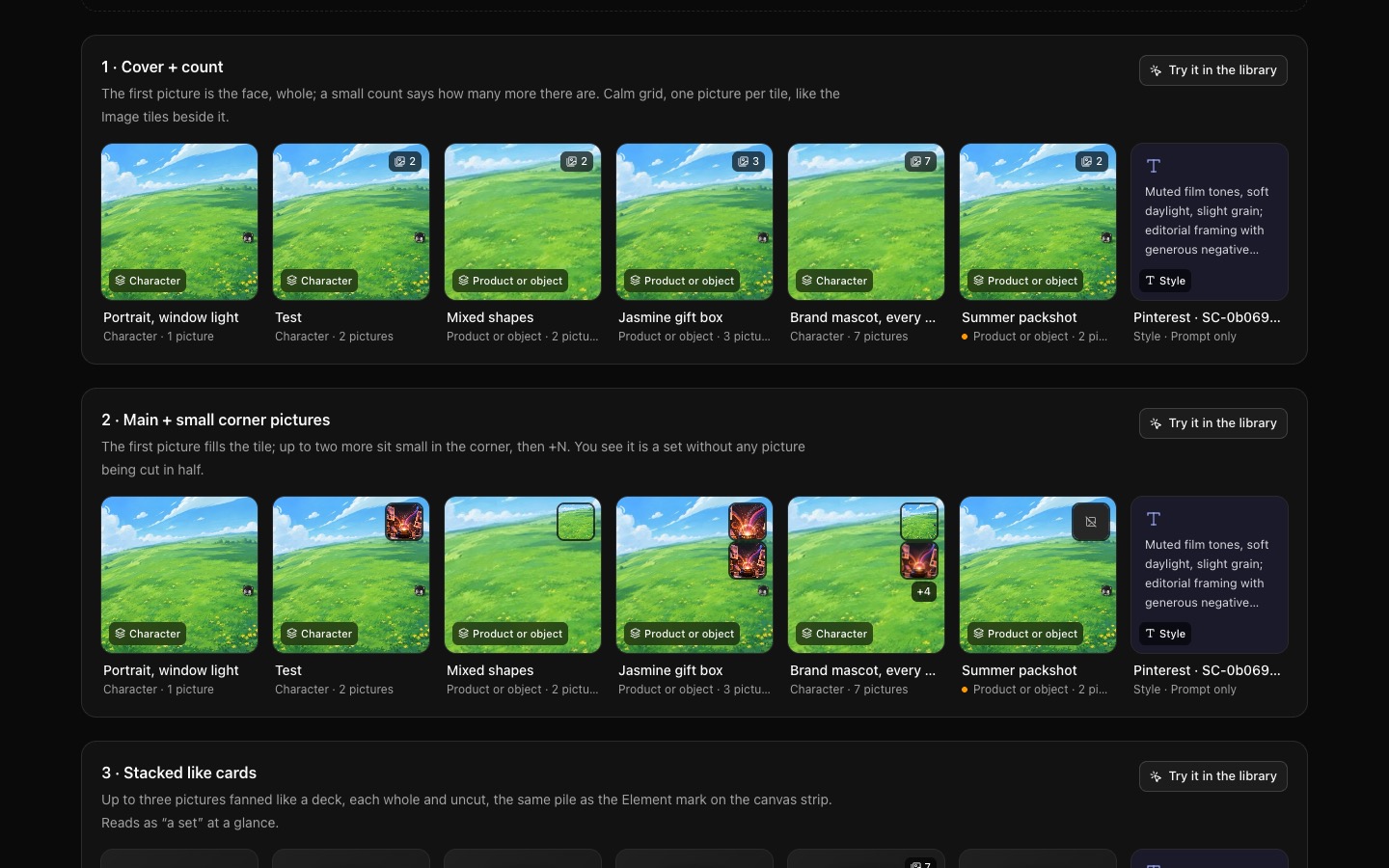
Library grid (Assets page and a board's library)
The prototype splits the tile between the pictures (halves for two, 2×2 for four). Four other ways on the same pictures — cover + count, main + corner pictures, a stacked deck, slide to look through — each with 1, 2, 3, 7 and mixed tall/wide pictures. Prompt-only shows its words; a missing picture shows in place.
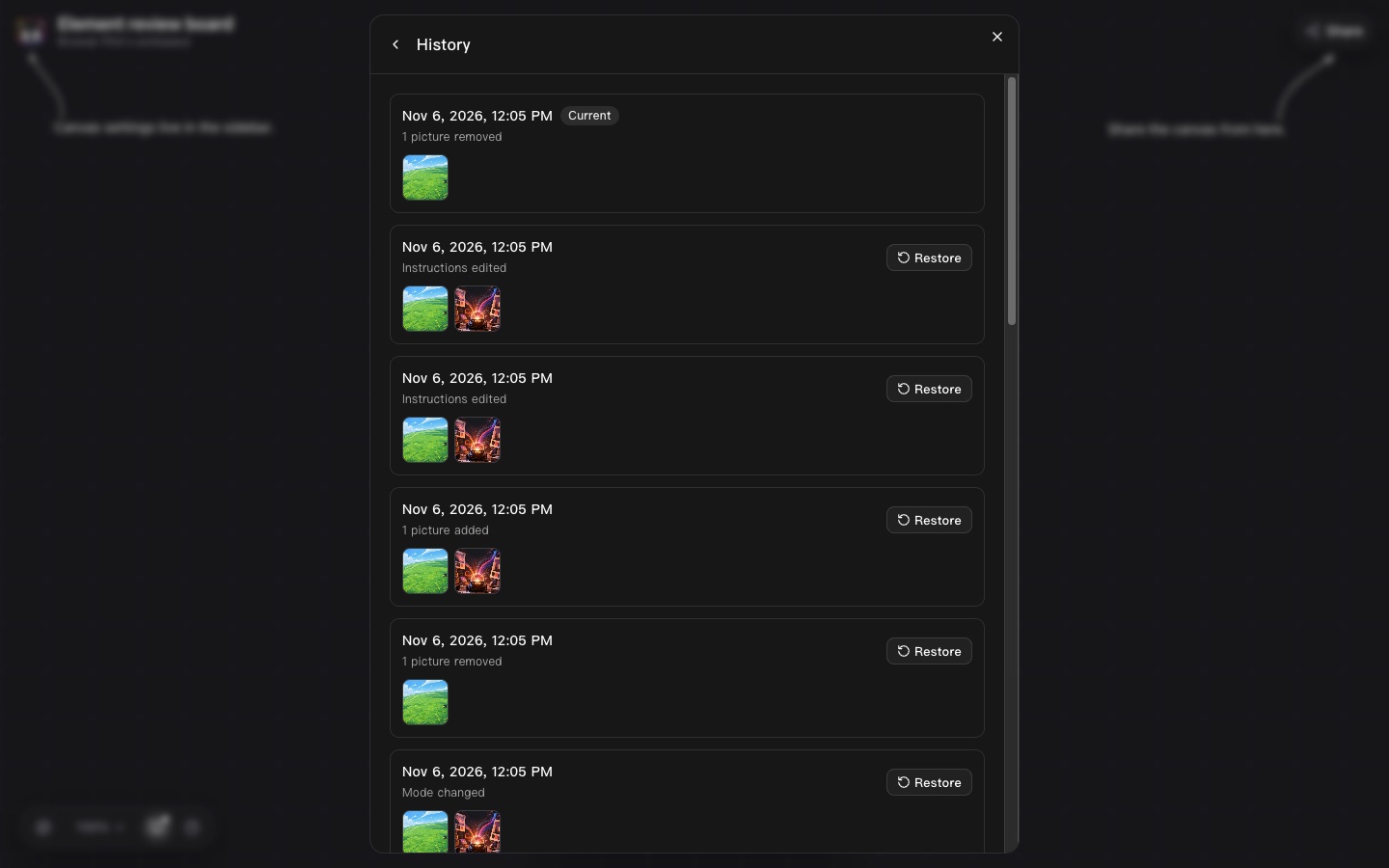
Inside the Element
Every save is kept; History lists them with dates and pictures, and Restore makes an old one current again. Each option places History differently (part 1).
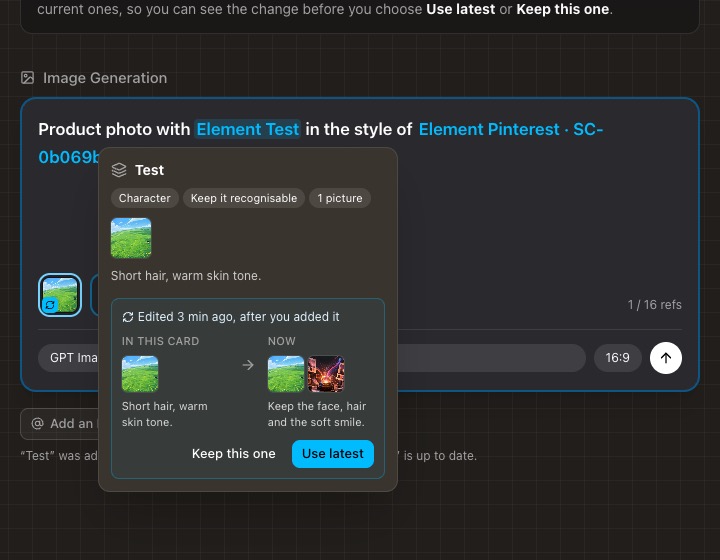
Image Generation card
Today: “Element · v18” in the @ menu, “v3 · identity · 1 image” on hover, and an Element edited after you added it turns amber like a broken one. Two proposals without numbers: P1 one button (Use latest), P2 shows what changed before you choose.
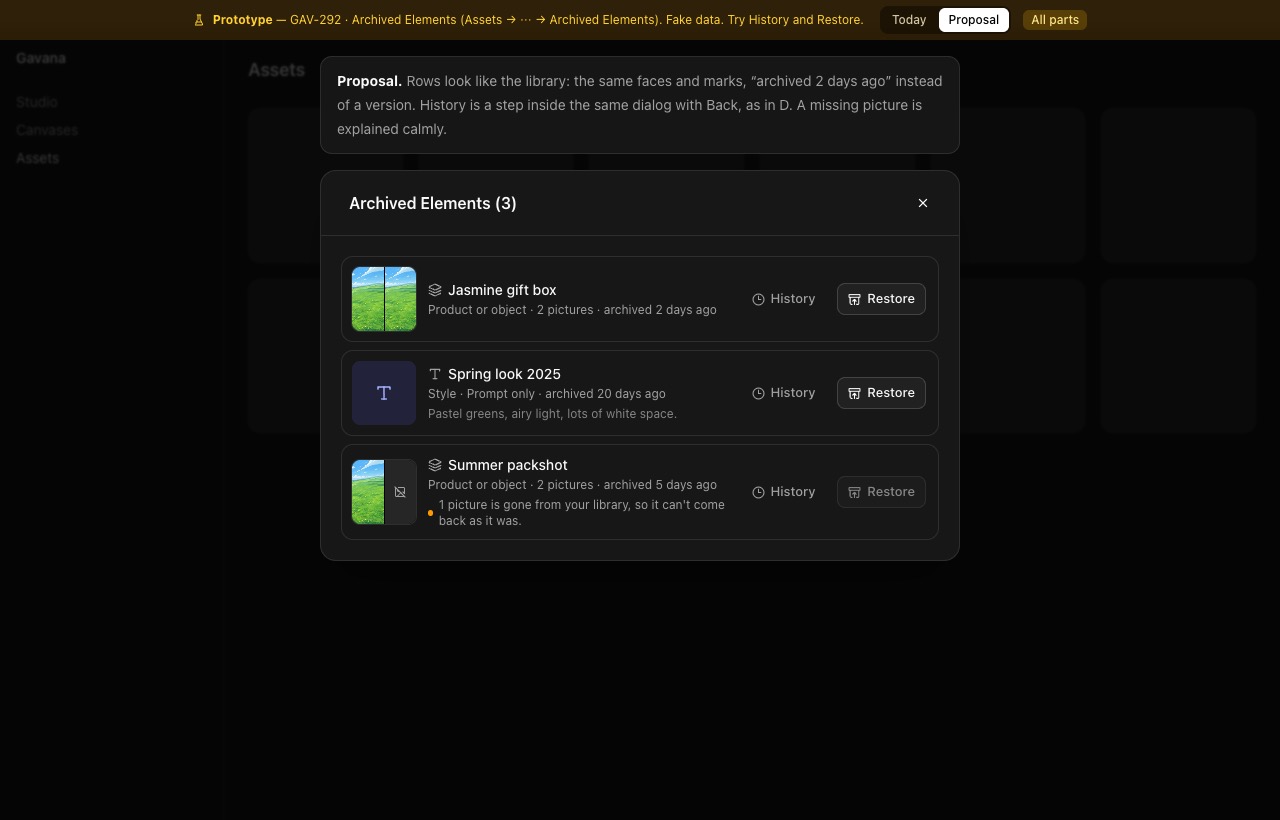
Assets → ⋯ → Archived Elements
Today: rows of “product/object · v4 · 2 sources”, a second dialog for history, a red “Restore blocked”. Proposal: the library's faces and marks, “archived 2 days ago”, History as a step with Back, a calm note for a missing picture.

Image Generation card
Shipped in MR1 (!551, in production at eaff1252): one tooltip per surface, long names cut with “…”, prompt-only Elements show T + name. Shown here for reference; nothing to choose.
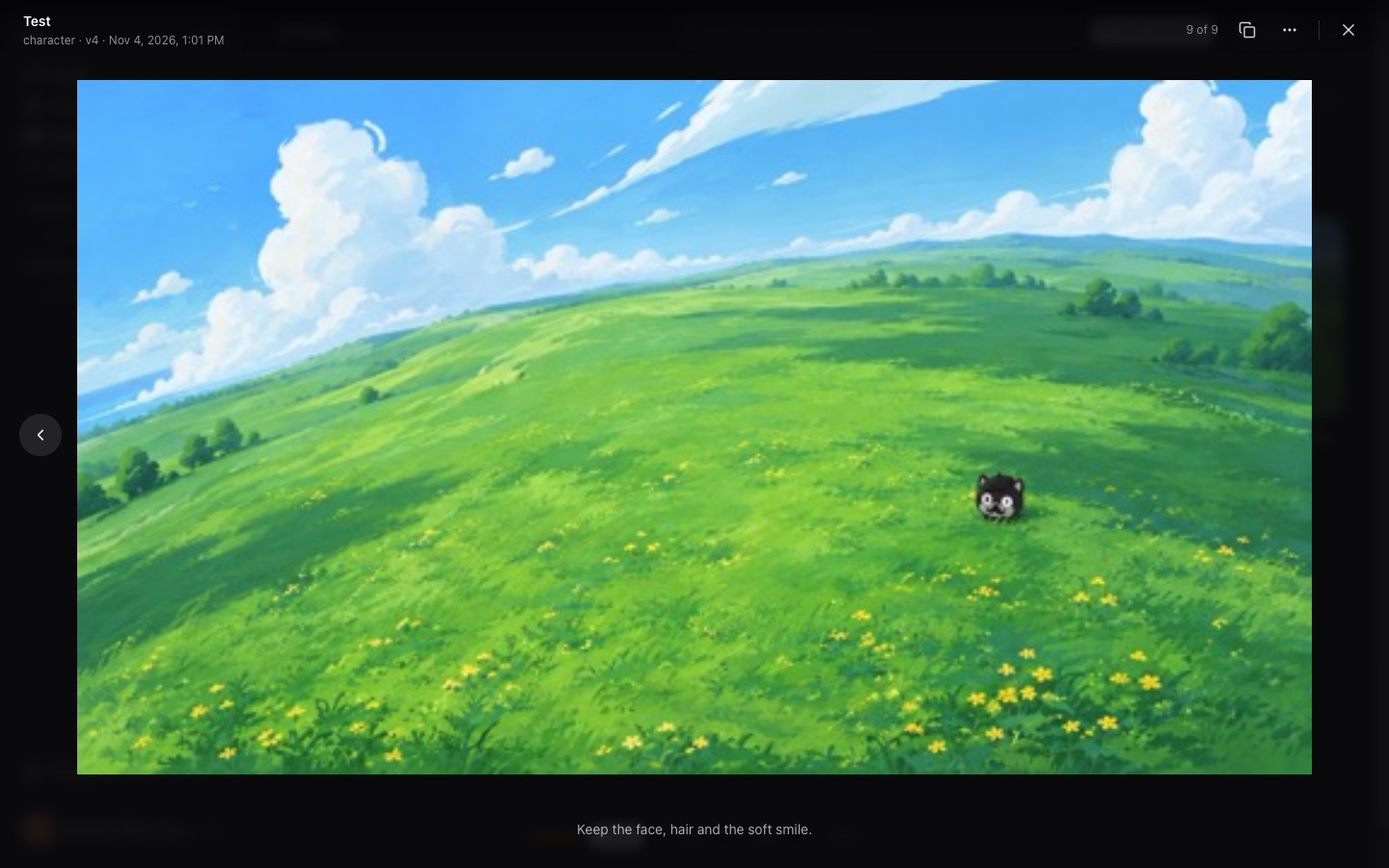
What users have now: clicking an Element opens the full-size viewer; editing lives only in the ⋯ menu on the Assets page; “vN” on every surface.
2026-11-04 · /current/
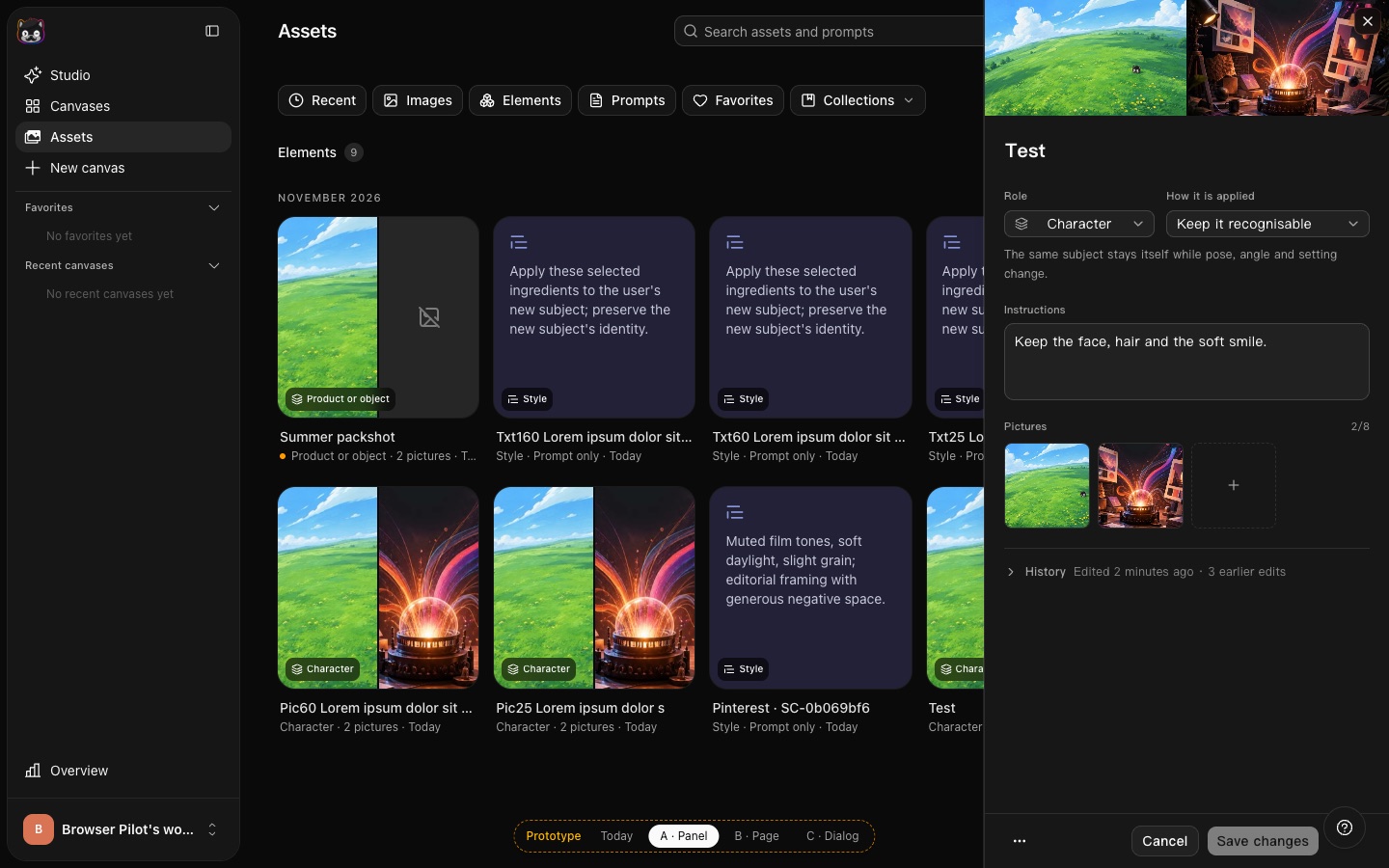
The editor slides in as a side panel; the library stays in view, for quick edits across many Elements. History collapsed, restore per row.
2026-11-04 · /a/
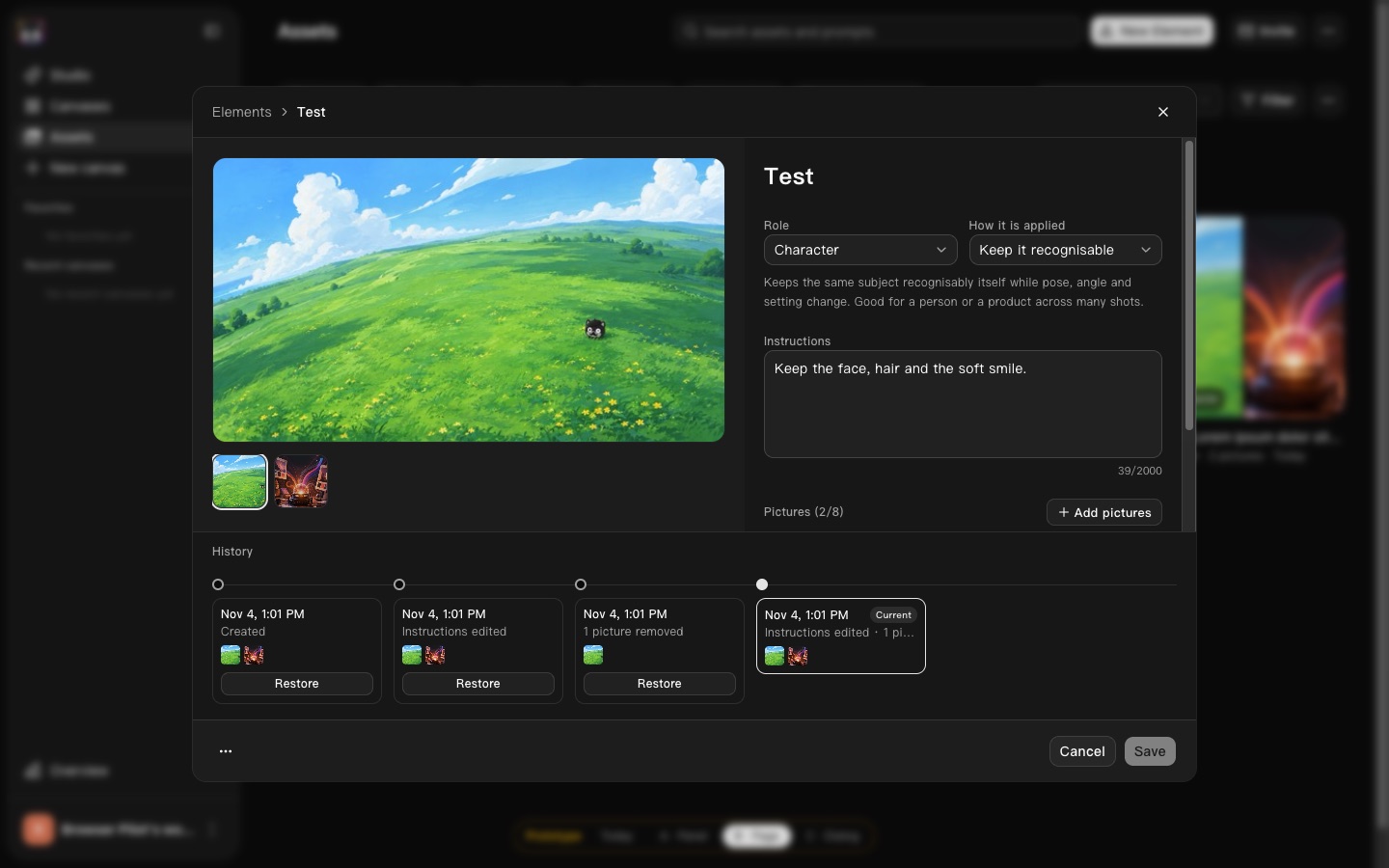
Each Element gets a page of its own: pictures, words and a timeline of versions you can scrub and preview before restoring.
2026-11-04 · /b/
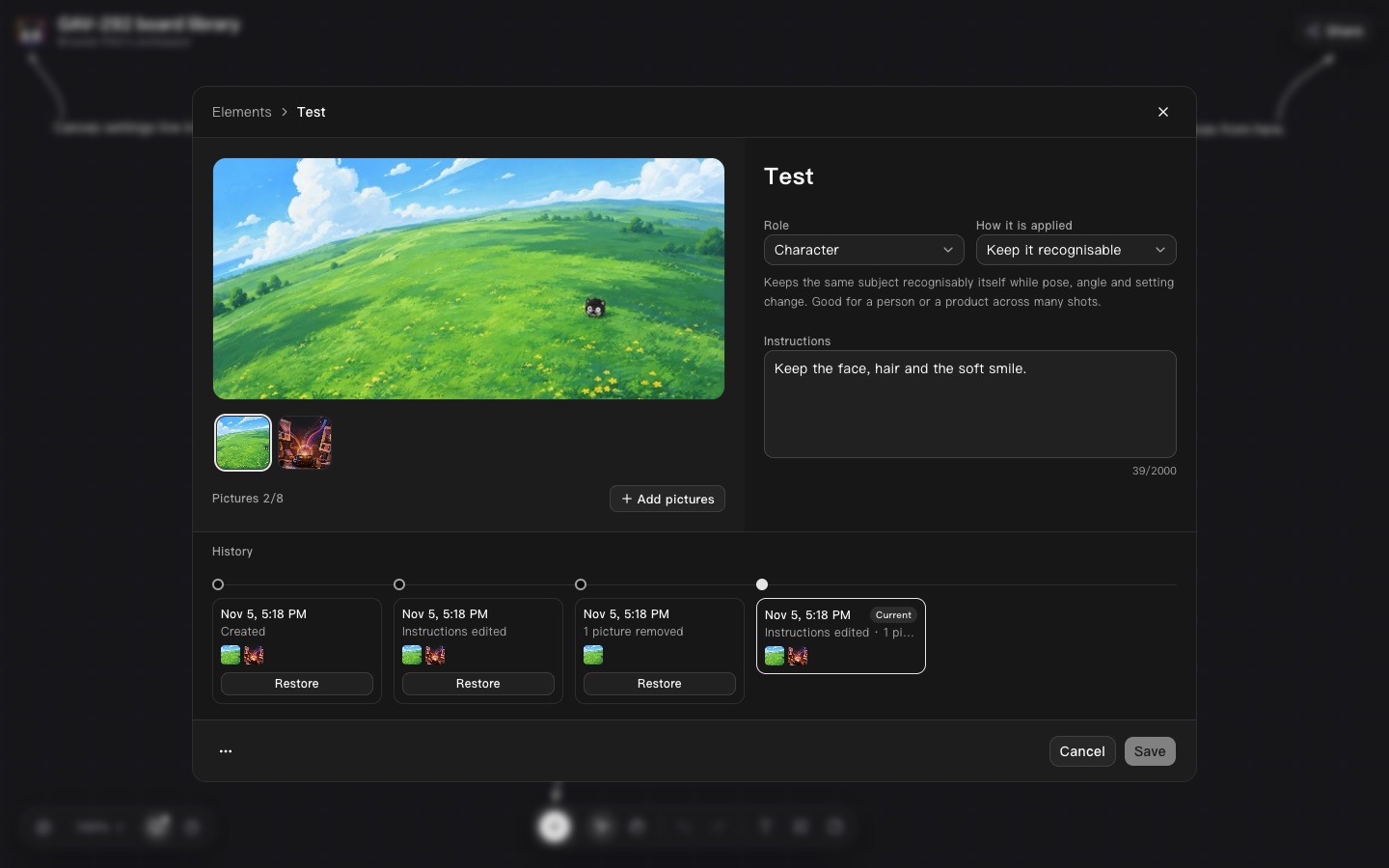
B with the pictures in one place on the left; New Element opens the same page in create mode.
2026-11-05 · /b2/
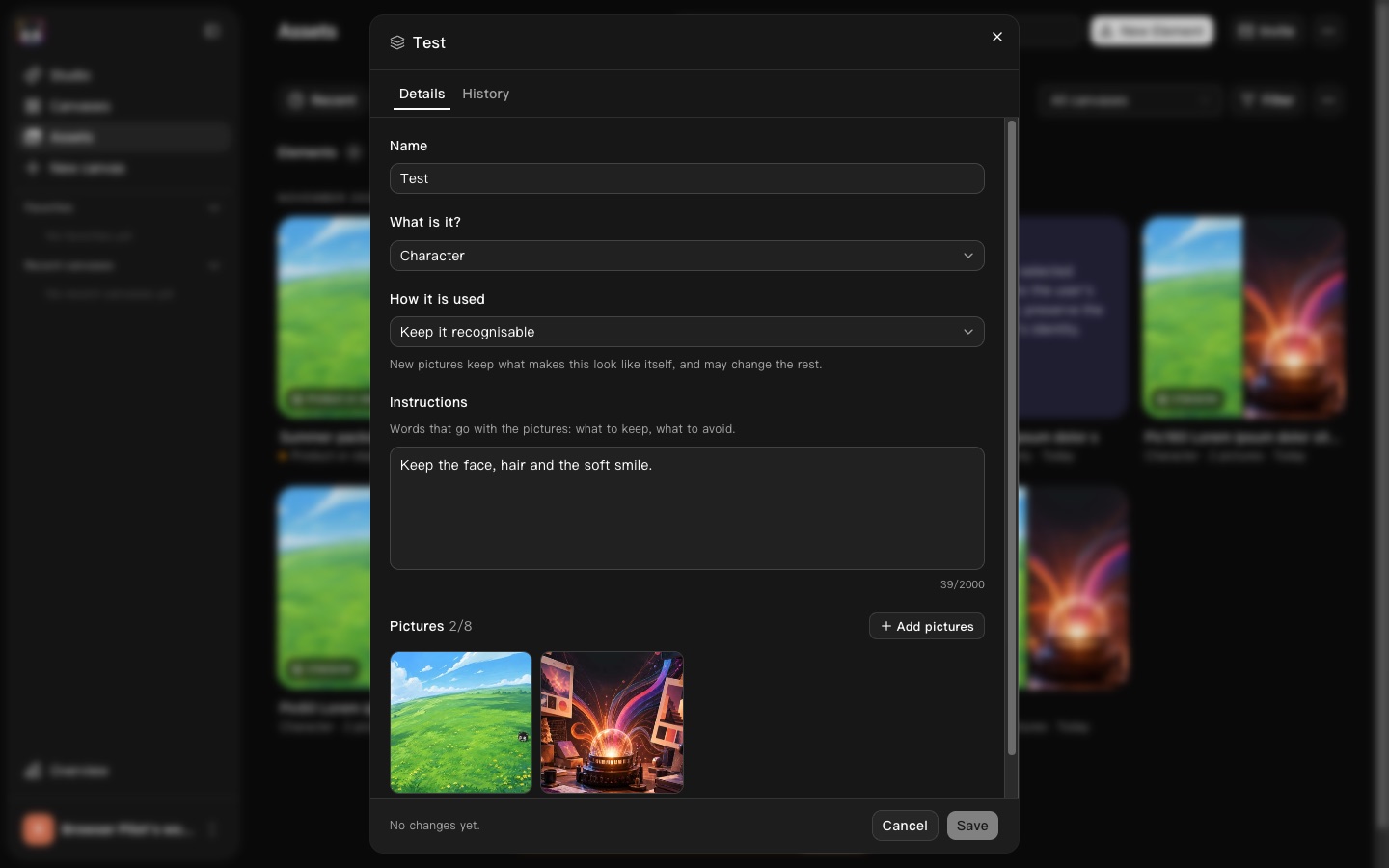
Today's dialog kept in size and order, titled with the Element's name, an Edit pill on the tile and a History tab — the smallest change.
2026-11-04 · /c/
Clicking an Element opens it to look at, with Use and Edit; Edit and History are steps in the same dialog, each with Back. The prompt-only mark is the strip's T.
2026-11-06 · /d/